
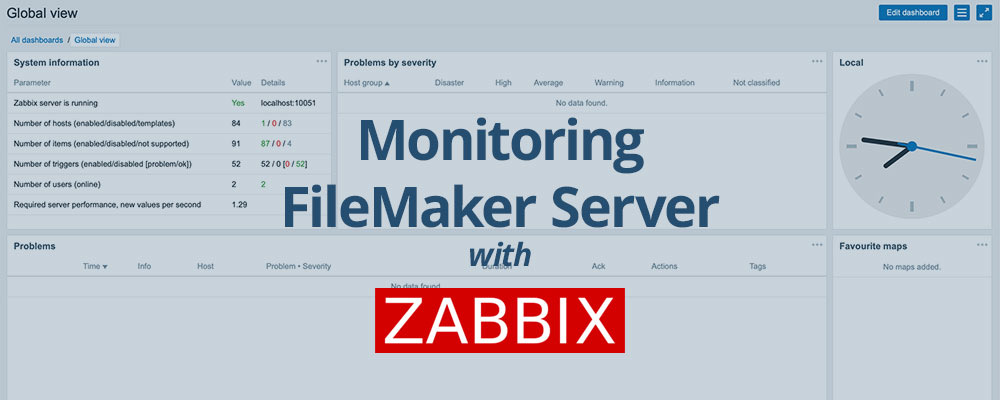
Lesson in Brief: Fine Tuning The Linux Virtual Machine to Monitor FileMaker Server via Zabbix
If you followed and completed our previous blog post on using Hyper-V in Windows 10 to launch a virtual Linux machine, awesome! Before we dive into the Zabbix portion of all this, we’re going to double check some aspects of our virtual machine.
Lesson in Brief: Monitor FileMaker Server Via Zabbix Utilizing a Windows 10 Machine
Setting up a FileMaker server and never looking at it again is a recipe for disaster. Are your backups running? Has the scripting engine crashed? Are you running out of memory or CPU? Are your integrations taxing your solution? If any of these things happen, or if you're not monitoring to ensure they don't, you're putting your data at risk.

Every year, we journey to a different locale for the annual FileMaker developer & user conference, DevCon. Each year is jam-packed with informative sessions, groundbreaking innovations, engaged partners and a gaggle of developers eager to share with and learn from each other. This year's conference in Orlando was no different... except it was.

While the big announcements from this year's DevCon set the tone for an exciting and revelatory conference, the week held even more in store for us.

Forwarding FileMaker WebDirect 15 URLs to WebDirect 16
When FileMaker 16 was released in May 2017, there was plenty of fanfare surrounding the many new features it introduced. WebDirect, however, did not get much attention or focus on any changes. But there were some, including an adjustment to the URL used to access a FileMaker solution.
For people that have bookmarked the FileMaker 15 WebDirect URL to your database, this presents a problem. Let’s see how we can fix it…
Automating Offsite Backups With AWS & FMS
In this article, the most recent in our FileMaker Server (FMS) on Amazon Web Services (AWS) series, we're looking at backups. It is beyond crucial to have a good backup strategy in place, and FileMaker Server has a great backup system built into it. What we're concerned with here, though, is what we might consider to be "offsite" backups.
Let’s dig in…

Utilizing an Elastic IP Address to Access Your FileMaker Server
Continuing our series of FileMaker Server (FMS) on Amazon Web Services (AWS), this installment looks at Elastic IPs, what they are and why you might want one. If you're not familiar with AWS and setting up FMS on an Instance, check out our other blog posts FileMaker Server on Amazon Web Services: Part 1 and FileMaker Server on Amazon Web Services: Part 2 before delving into this one.
So, let’s check out Elastic IPs…
Utilizing the FileMaker PHP API
In previous posts, we detailed a technique to capture the coordinates from a Google map and place these into a record in FileMaker. This is certainly a great way to have your users interact with maps, as long as they are using the FileMaker Pro client. If the solution deploys FileMaker WebDirect, the technique does not work. But we have a way that does and after a number of enquiries about how we did it, we’re finally getting around to documenting this and sharing with others...
How To Fix Logon Issues After Outlook.Com Migrates To Office 365 Backend
Back in May of this year, Microsoft announced that it was beginning a transition of its Outlook.com email product to an Office 365 back end infrastructure. This has been ongoing and we recently encountered an issue where the credentials for a custom domain email account were being rejected, despite being correct. Here's how we fixed it.
Dropping a Marker When the Map Loads
Following up from ourprevious post, a reader asked if it was possible to have the marker show automatically when the map loads, if there were coordinates previously selected. Depending how Google Maps is being used in a solution, this is a perfectly reasonable expectation of functionality. So, we decided to add this to the file and post an update. There was, however, one annoying little issue...
Using Google Maps Javascript API v3
Google has a variety of APIs for its Maps, allowing developers to access, integrate and query map data. Some time back, a client needed the ability to click on a map and capture the selected coordinates into their database, so we started our map quest using the Google Maps Javascript API v3. Since then we've had a number of enquiries as to how this was accomplished and, as a result, we've put together a demo file.
How To Implement SVGs Into FileMaker Solutions & What We've Learned Along The Way
The introduction of FileMaker Pro 14 earlier this year brought with it some excellent enhancements and new features to the platform. One of these is the ability to use SVGs in buttons on layouts, and this article shares what we've learned about them as we put them to use.
Launching an Instance and Installing FileMaker Server
The second part of our FileMaker Server (FMS) on Amazon Web Services (AWS) series focuses on launching our server Instance and getting FMS installed and up and running. In our previous article, we did all that was necessary on the AWS side to set up groups, users and security prior to being able to launch our server Instance using AWS’ Free Tier option – a free cloud server as long as we stick within the Free Tier guidelines.
So, now that we have all that taken care of, without further ado, let’s launch and connect to our server in the sky…

Signing Up and Setting Up Security Credentials
We’ve been working with a client recently who wants to host the FileMaker solution we’ve built for them on FileMaker Server – Hooray! We couldn’t agree more. Using FileMaker Server (FMS) provides more flexibility, security, functionality, backups, better performance – the list goes on, but it’s a wise decision on their part.
But then comes the question, how and where to host?
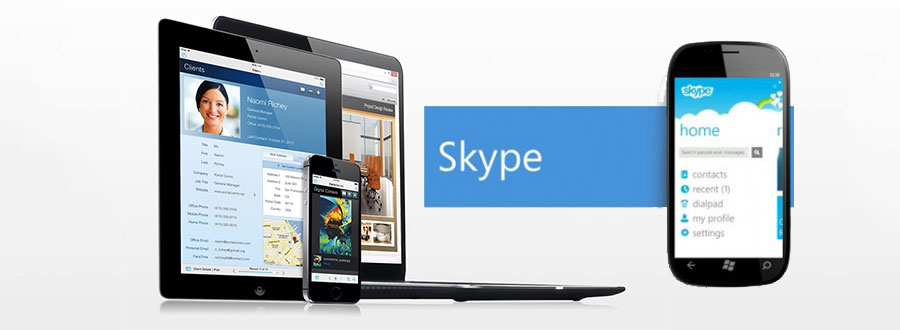
SMS & iPhone Calling Using Skype from Within FMP
A couple of weeks ago, we posted our solution to cross-platform Skype usage from within a FileMaker database. We were pretty pleased with it for our database solution as it allowed us to utilize our Skype subscriptions directly no matter whether we were using a Mac, PC or iPhone.
But it wasn't quite perfect.
Outlook.Com Now Supports the IMAP Email Protocol
On Thursday, September 12, 2013, Microsoft announced that Outlook.com now supports the IMAP email protocol, finally opening up their service to mail clients that had previously been unsupported. What does this all mean? Well, we've taken a moment to check it out and detail the pros and cons of the email hosting platform.
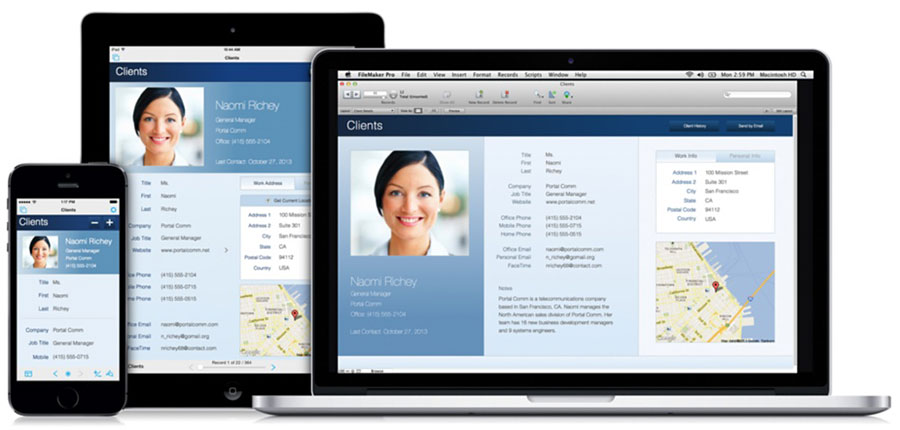
Calling & Chat from Within FileMaker Pro
Here at Sounds Essential, we like the database program FileMaker Pro. It's cross-platform (works on PC, Mac and iOS) and extremely versatile. That’s why we use it for our own business to keep track of clients and projects. Every once in a while, though, we come across something new we'd like the database to do. That often requires a little research to figure how best to implement the solution, as was the case with integrating Skype. Here's our solution that works cross-platform on all devices.
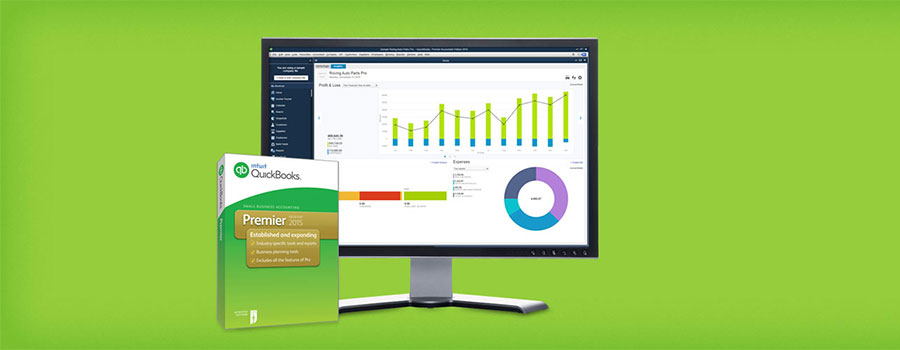
QuickBooks is pretty much the go-to small business accounting software for many people. Sure, there will be those who wail about its faults or limitations, and there are those who will rave about its functionality. The bottom line is, it’s a very successful piece of software. In fact, we use it here at Sounds Essential HQ.
Being in the marketing business, we like to keep things consistent with our branding – helps build recognition and awareness through all avenues. So if B follows A, your QuickBooks invoice template should reflect your branding with your logo and your brand standards font, at the very least. And this isn’t actually that hard. We did it and we were happy with it, until…
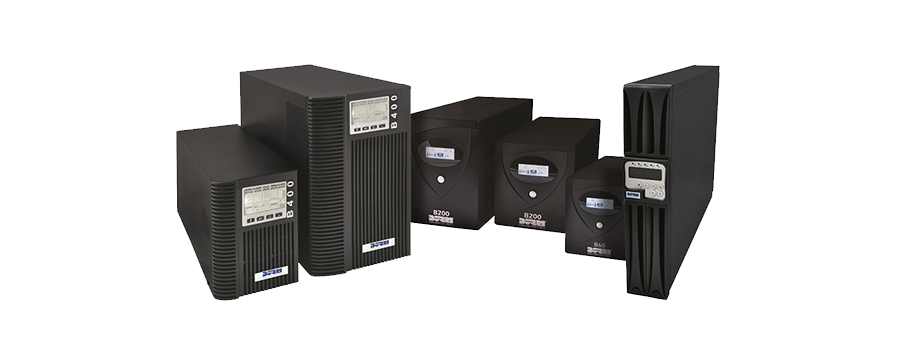
No, not that UPS (though the color brown does play heavily into this blog posting and our <3 for logistics, too, knows no bounds.) We’re also not talking about the folks in charge -- your boss hasn’t gone to lunch yet, so minimize that Facebook page again. We’re talking about when the electrical power goes out.
Wanna chat about your options?
Contact Us
Sounds Essential LLC
PO Box 2229
Cashiers, NC 28717
t. (828) 743-8350
e. info@soundsessential.com
Get the Latest
We very occasionally send out news of general interest relevant to our work. Sign up below to stay up to date.